
Design Token Naming Best Practices


Contents
Design systems are only as strong as their foundations—and at the core of that foundation are design tokens.
These small, reusable variables encode the visual language of your product. For design tokens to work across teams, platforms, and workflows, how you name them is just as important as the values they carry.
Naming isn’t just labeling—it’s a core part of your design system architecture. Clear, consistent naming makes tokens discoverable, understandable, and scalable. It simplifies design system adoption, improves maintainability, and helps prevent duplication.
When token names reflect structure and intent, teams use them with confidence—without second-guessing or creating workarounds. But when names are cryptic, inconsistent, or overly generic, even the best system starts to erode.
In this article, we’ll explore design tokens best practices, with a special focus on design system naming conventions. Whether you’re starting from scratch or scaling a mature design system, we’ll show how naming design tokens strategically can unlock better collaboration and long-term success.
What are design tokens (and what they’re not)
Design tokens are the atomic building blocks of a design system. They store foundational style values—like color, spacing, typography, and motion—in a platform-agnostic format shared by both design tools and codebases. This makes them a common language between designers and developers.
Unlike components, tokens aren’t visible UI elements. And unlike static style guides, they’re functional, code-ready variables applied directly in product development. When structured well, design tokens bring consistency and speed to the teams.
The role of naming in design system adoption and governance
When token names are inconsistent, or unclear, teams hesitate to use them. They can’t find what they need, don’t trust what they find, or create duplicates of tokens that already exist. Over time, this leads to bloat, misalignment, and low design system adoption.
Poor naming isn’t just a usability issue—it’s a governance risk. Without naming conventions, your design system becomes harder to maintain and scale.
Token hierarchies: global, alias, and component-level
A layered token structure helps maintain order—and naming plays a central role in making that structure understandable and scalable.
Most mature systems, like IBM’s Carbon Design System, follow a three-tier model:
Global tokens
These are the raw values—the core building blocks of your visual language. They include specific hex colors, font stacks, spacing units, and elevation values.
Example: color-blue-60, spacing-04
Global tokens act as the foundation. They are platform-agnostic and shouldn’t carry semantic meaning. Their purpose is to ensure consistency in core values used throughout the system.
Alias (semantic) tokens
Alias tokens map global tokens to specific roles in the UI. They introduce meaning and intent, which makes the system easier to understand and theme.
Example: color-primary, spacing-large
Aliases allow you to change themes—such as switching to dark mode or customizing a brand—by simply remapping values. The token name stays the same, but the output adapts.
Component-level tokens
These tokens apply styles directly within a specific component. They might inherit from alias tokens but are scoped to a component’s context.
Example: button-background, input-border-radius
Component-level tokens offer flexibility for overrides and variants, especially when dealing with accessibility, platform differences, or brand-specific styles.
Naming for multi-brand, platform, and theming use cases
As design systems scale, they often need to support multiple brands, platforms, and themes.
To build scalable, maintainable systems, naming must do more than describe what a token is—it must signal how and where it’s meant to be used.
Multi-brand systems
When your design system supports multiple brands, use a consistent alias structure (like color-brand-primary) across all products. Then define brand-specific values in separate themes or token sets.
Example:
color-brand-primary → color-blue-500(Brand A)color-brand-primary → color-green-600(Brand B)
This approach allows each brand to maintain a unique identity while still using the same design system infrastructure—minimizing duplication.
Platform-specific styling
Different platforms often have different design needs—think shadows in iOS vs. elevation on the web, or font rendering differences.
Instead of creating entirely separate tokens or components, extend naming with platform context when needed.
Example:
elevation-medium-ioselevation-medium-web
This signals intent clearly and avoids polluting global styles with one-off values.
Theming and modes (e.g., dark mode)
Instead of duplicating tokens for every mode (like button-dark-background, button-light-background), keep naming stable and map values dynamically.
Example:
color-surface- Light mode →
#FFFFFF - Dark mode →
#1A1A1A
- Light mode →
This lets your system switch themes easily without renaming or refactoring tokens. It also supports user preferences like dark mode or accessibility-focused variants without bloating the token set.

Tools that help manage and enforce token naming
Tools play a critical role in maintaining naming standards and syncing design tokens across teams and platforms.
Tokens Studio (formerly Figma Tokens)
A powerful Figma plugin that helps you define, manage, and sync tokens directly in your design files. It supports grouping, aliasing, theming, and multi-brand structures.
- Apply naming conventions in Figma
- Sync with GitHub, Style Dictionary, or JSON
- Preview themes and mode changes
- Keep designers working with real tokens—not manual styles
Style Dictionary
An open-source tool by Amazon that turns a single token source into platform-ready code (CSS, iOS, Android, etc.).
- Automates naming consistency across platforms
- Supports token hierarchies and naming transformations
- Works well for multi-brand, multi-platform systems
Design tool integration (Figma, GitHub, APIs)
Modern teams use token pipelines to connect design tools with codebases.
- Sync token changes automatically
- Track naming updates via GitHub version control
- Use CI/CD to validate and lint token names before deployment
These tools support scalable design system architecture by reducing drift, enforcing standards, and keeping design and code aligned.
Case studies: How leading systems structure token naming
Mature design systems don’t just define design tokens—they organize and name them with intention. Here’s how a few industry leaders approach token naming.
IBM Carbon Design System
Carbon uses a layered token architecture with a clear distinction between foundational values and semantic roles. This hierarchy enables scalable theming and consistent application across products.
How Carbon structures tokens:
- Global tokens define raw values (e.g.,
spacing-05, color-blue-60) - Semantic tokens map meaning (e.g.,
interactive-01, ui-background) - Component-level tokens allow for localized overrides (e.g.,
button-primary-background)
Carbon’s naming conventions promote consistency, accessibility, and multi-platform flexibility. The system's documentation emphasizes semantic clarity and reinforces best practices in design system architecture.
Atlassian Design System
Atlassian’s design token strategy supports theming across Forge apps and component libraries. Tokens are structured to work well across both design and development environments.
Highlights:
- Tokens are organized by category (e.g.,
color.text.subtle, elevation.surface) - Naming conventions reflect function and use context
- Strong support for theming and clarity in developer implementation
While a detailed public naming taxonomy is not available, Atlassian confirms its commitment to a structured, scalable token system through its official documentation.
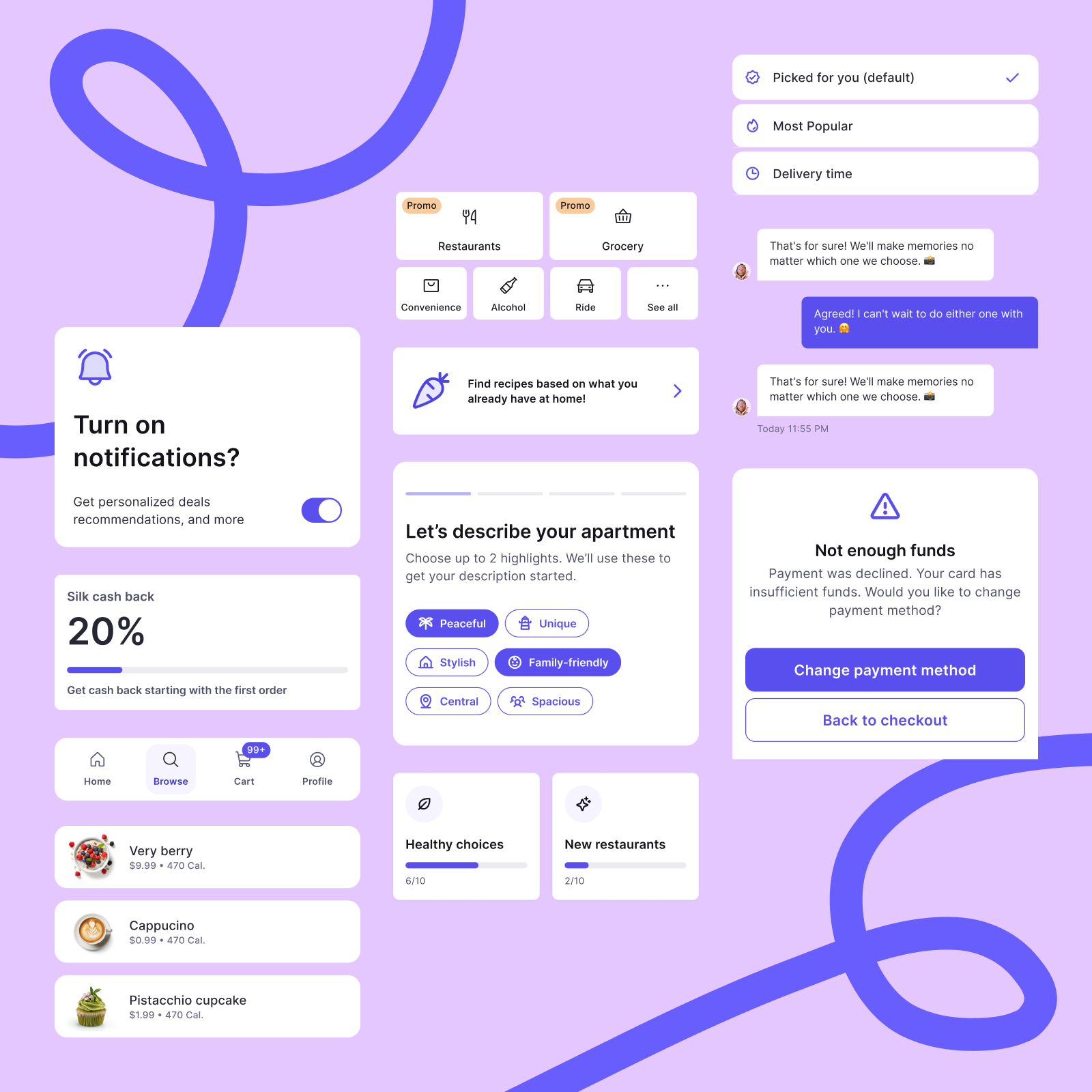
If you’d like to see a practical example of structured token naming in action, explore Silk — our commerce-focused design system built on a scalable token foundation.
Conclusion: Naming is System Architecture
Design tokens are the connective tissue of a design system—powering everything from buttons to themes. But without intentional naming, even the most robust token libraries become confusing and underused.
Inconsistent or unclear names lead to duplication and hesitation. Teams lose trust, drift from shared standards, and the system slowly erodes. Strategic naming, on the other hand, reflects and reinforces your design system architecture. It communicates hierarchy, supports automation, enables multi-brand theming, and makes contribution easier across teams.
Whether you're just starting or scaling a mature system, naming isn't a minor detail—it's a core design decision. It shapes how your design system grows, how teams work together, and how consistency is maintained at scale.


