
Enhancing the Ecommerce Experience with AR-Powered App for Interior Design
5
Weeks to deliver
The window the demo had to be ready in.
36
Product variations
Four chair models, each in three colours and three wood types.
4
Chair models
What users could place and compare in the room.
The client

ARrange came out of Netguru’s R&D work: a demo app that puts furniture into a real room in augmented reality, in real time.
It was built to show retail clients what AR can do at a Netguru event in Berlin — letting the end user try furniture arrangement, and a prospective client see a way to improve their customers’ experience and their conversion.
The challengeWhat the teams actually needed
Five weeks, a live audience, and no appetite for a crash on stage.
Challenge 01Stable, or nothing
The app had to be crash-free inside a short timeframe, with no lag and no unpredictable behaviour.
Challenge 02A use case people recognise
AR had to earn its place: helping someone picture the right set of chairs in their own interior.
Challenge 03More than a tech demo
Several chair models, colours and wood types had to be on show, with snapshots users could share — and the whole thing had to stand apart from other R&D retail apps.
What we did
Chairs placed around a table, in someone’s actual room
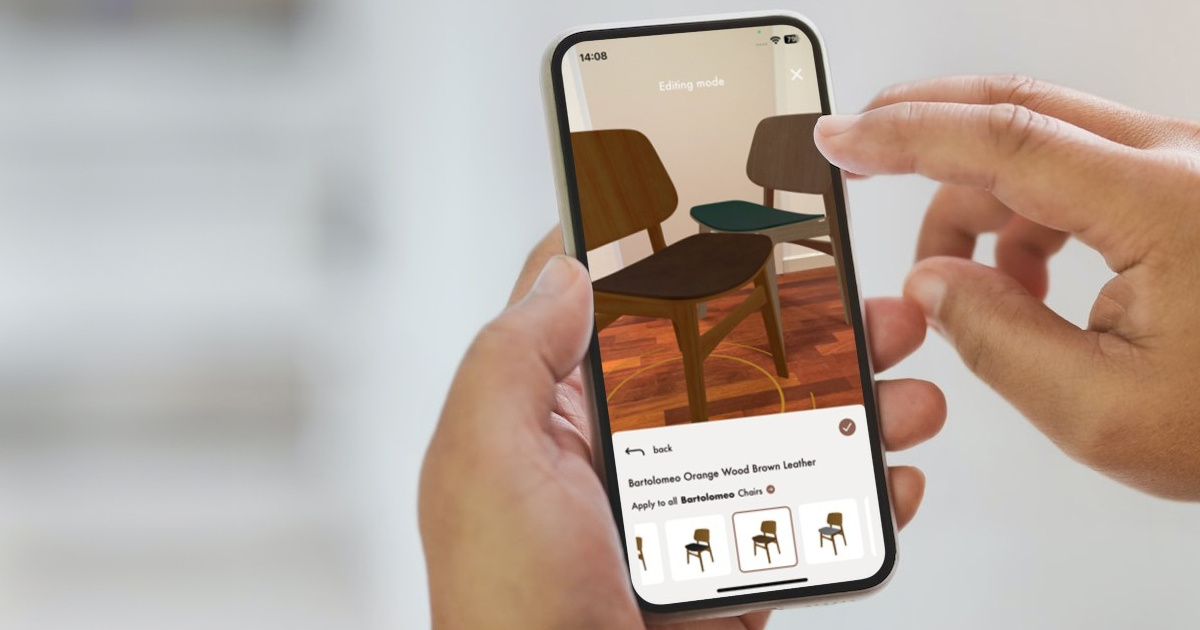
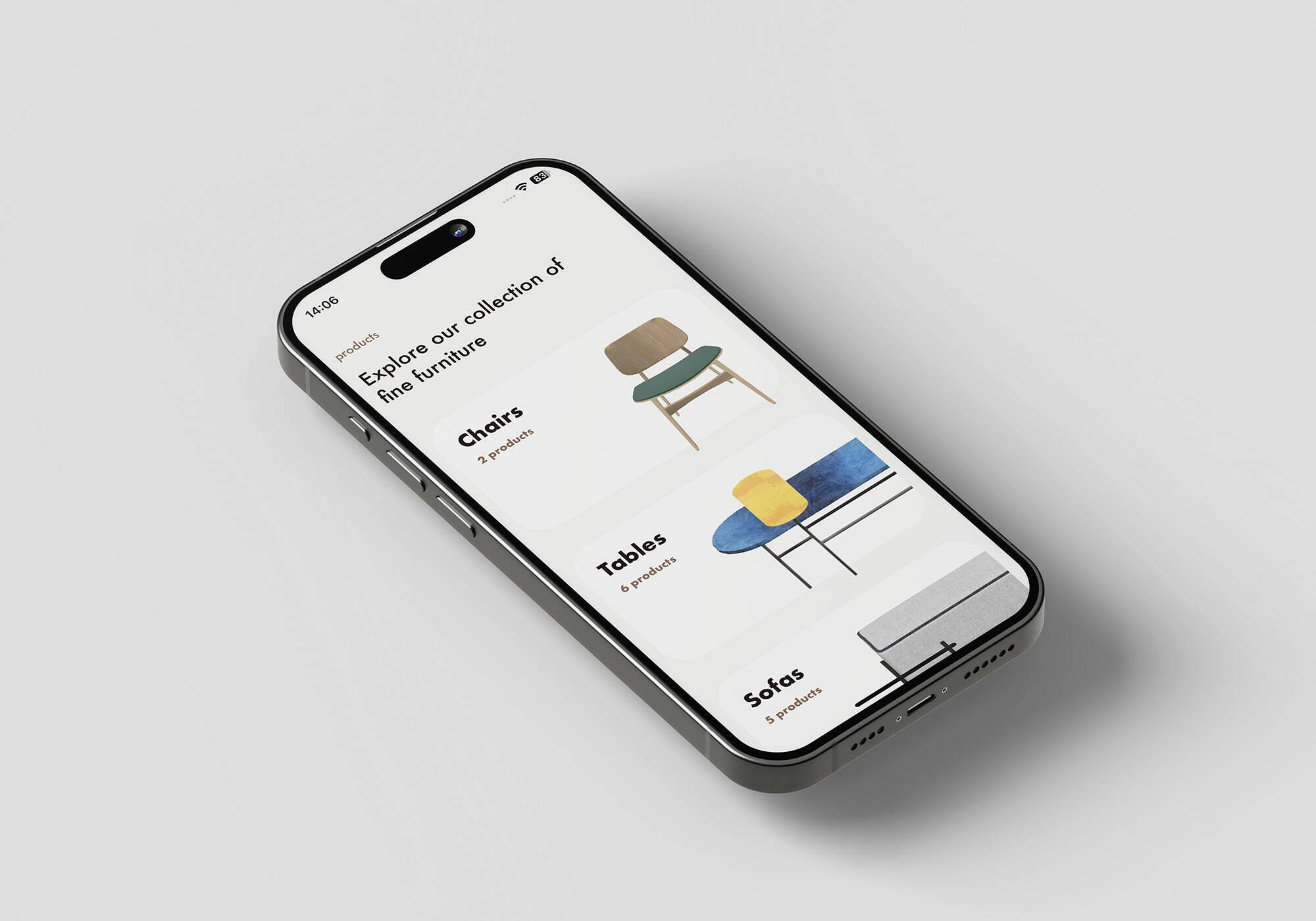
Built in SwiftUI for iPhone, ARrange lets a user set two or three chairs around a table in AR, standing in for their home.
Occlusion that reads as real
Chairs can be positioned at different angles and locations, even partly hidden behind a table to imitate how objects really block each other.
Colours and wood, changed on screen
Users browse the available models and switch chair colours and wood types directly, with scaling that keeps products the right size in perspective.
A snapshot worth sending
A built-in snapshot feature captures the setup and shares it through the system’s own messaging or email.
Tested for the stage
Unit tests on the ARViewModel and crash analytics through AppCenter kept the app steady, with onboarding screens, a coaching overlay and a pre-recorded demo video as a safety net for the live presentation.
Tech stackThe tools that made it possible
SwiftUI
The build, targeting iPhone with a deliberately minimal interface.
AppCenter
Crash analytics watching for trouble during live demonstrations.
More like thisOther places we scaled product teams for growth.
What’s next